Personal plans
Is my data out there?
Check for personal information and account details exposed in breaches and dark-web sources. Understand the finding and the steps you can take yourself.
Try the personal example ↓Breachify · Security, made understandable
Find out whether your personal data—or your company’s—has been exposed.
Breachify offers personal and company plans to check for leaked data, including in dark-web sources. See what was found, understand the risk, and decide what to do next.
Go deeper · three chapters under the hood
The original screens and the detailed design decisions, chapter by chapter. Short on time? The idea and a one-minute demo follow right below.
Chapter 01
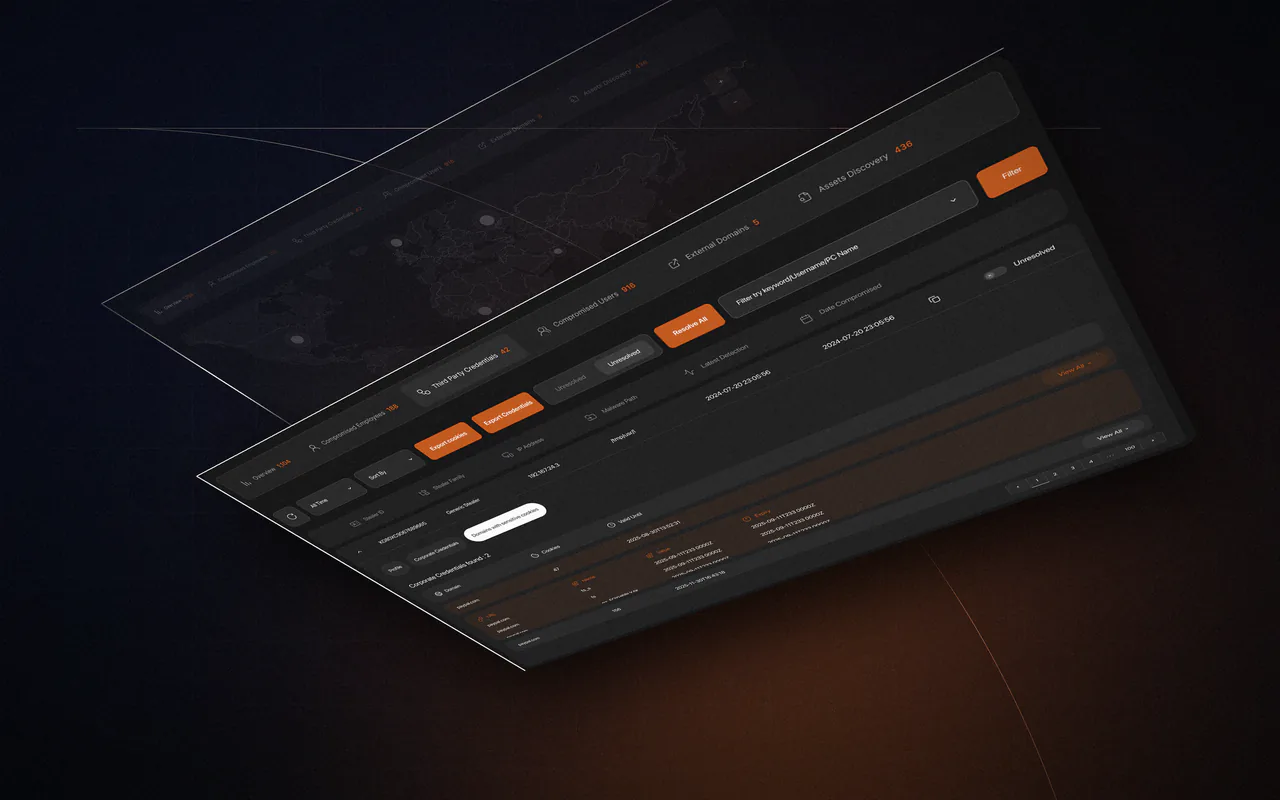
How the search leads from a company to an employee’s account, with the original product screens.
Read the chapter ↗Chapter 02
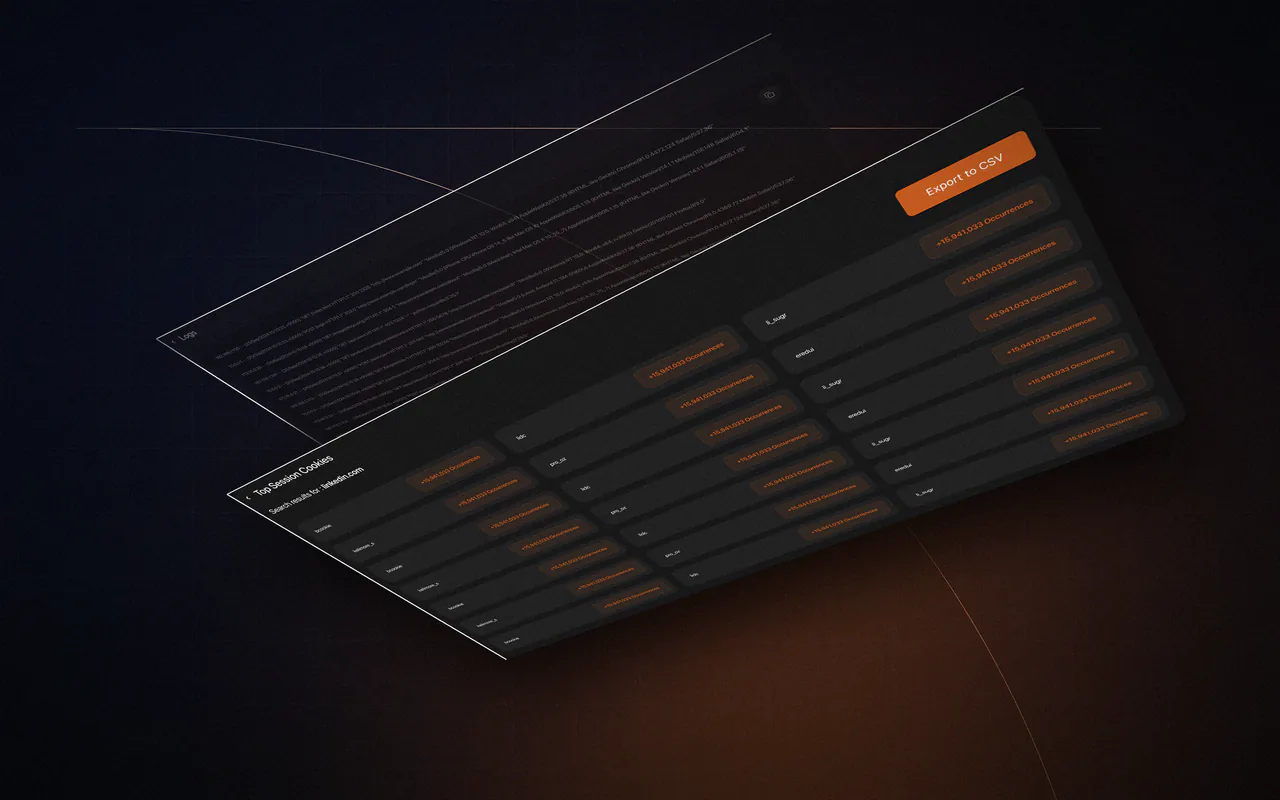
Why passwords are only part of the picture, and how saved sign-ins and device records fit together.
Read the chapter ↗Chapter 03
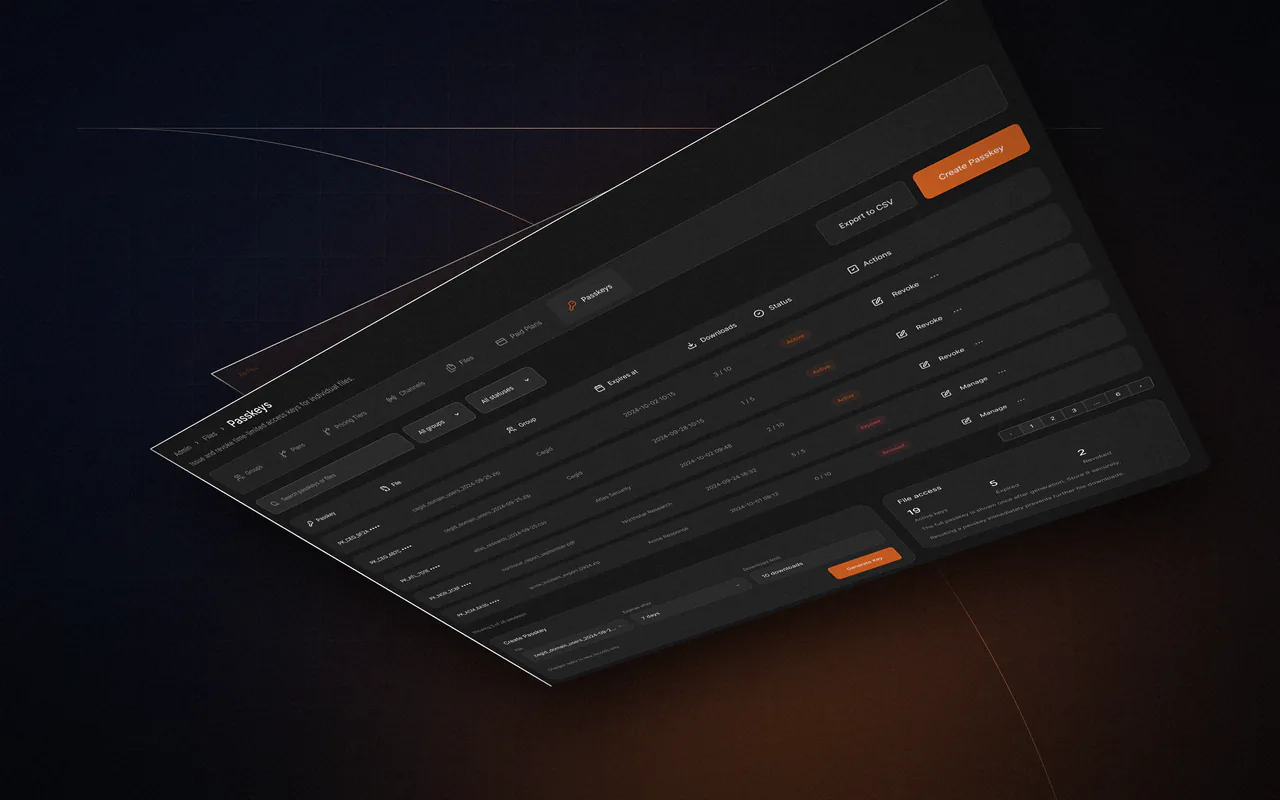
The company setup, subscriptions and access controls behind the investigation experience.
Read the chapter ↗The idea, in a minute
A list of stolen data can be hard to act on. Breachify connects each finding to an account, explains the concern, and keeps the evidence close.
Check your own email with a personal plan, or investigate a company’s domain with a company plan.
See whether your contact details, passwords or saved sign-ins appear in breach records or dark-web sources.
Prepare a clear list of follow-up actions, with the supporting records attached.
Personal plans
Check for personal information and account details exposed in breaches and dark-web sources. Understand the finding and the steps you can take yourself.
Try the personal example ↓Company plans
Search across a company’s domain, connect exposed employee accounts to their records, and prepare a response for the security team.
Try the company example ↓Try it yourself · about a minute
Try a personal or company example, open a finding, and build a response plan. No setup or security background needed.
Enable JavaScript to try the guided demo. The three steps above explain how Breachify works.
Fictional records, processed in your browser. This demo does not search real breaches or the dark web, access accounts, or change security settings.
Less decoding. More understanding.
“A session cookie was exposed” means little on its own. “A saved sign-in may let someone access this account without typing its password” tells you why to pay attention.
That’s the role of the proposed AI assistant: turn technical records into a short explanation, point to the evidence, and state what is still unknown. The demo uses written sample explanations to show that experience.
Read the technical approachBreachify · Product deep dive & architecture